Importing Events
Ingude lets you follow a New Recruit event directly inside the app. Once you paste the event URL and pick your player nick, Ingude shows your results round by round, the full player rankings, and - for team events - the team standings.
This guide covers:
- Following an event - paste a New Recruit URL and find yourself in the player list.
- The event detail page - Overview, Your List, Rankings, and Teams tabs.
Following an Event
Event tracking works with any New Recruit event link, for both singles and team events.
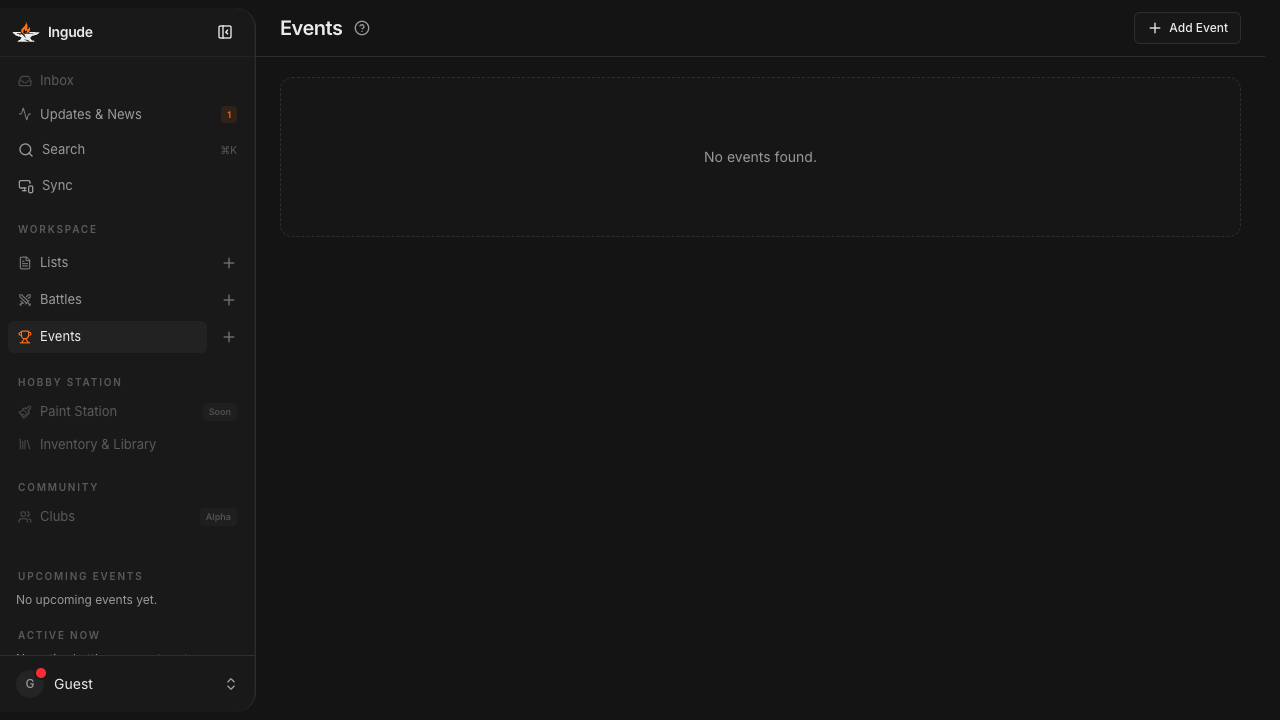
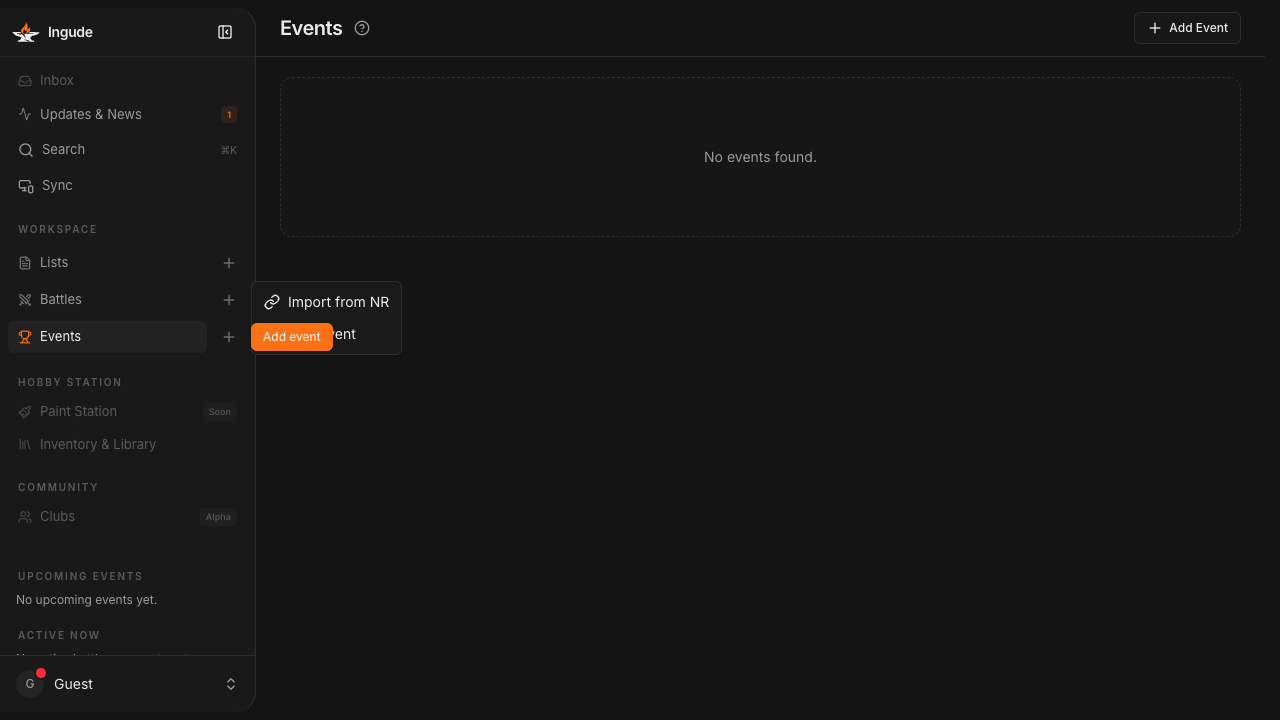
Step 1 - Open the Events section
Go to the Events section in the sidebar and tap + (Add event).
Step 2 - Choose Import from NR
A small menu appears. Tap Import from NR.
Step 3 - Paste the event URL
The Follow Event dialog opens. Paste your New Recruit event URL into the field and tap Fetch.
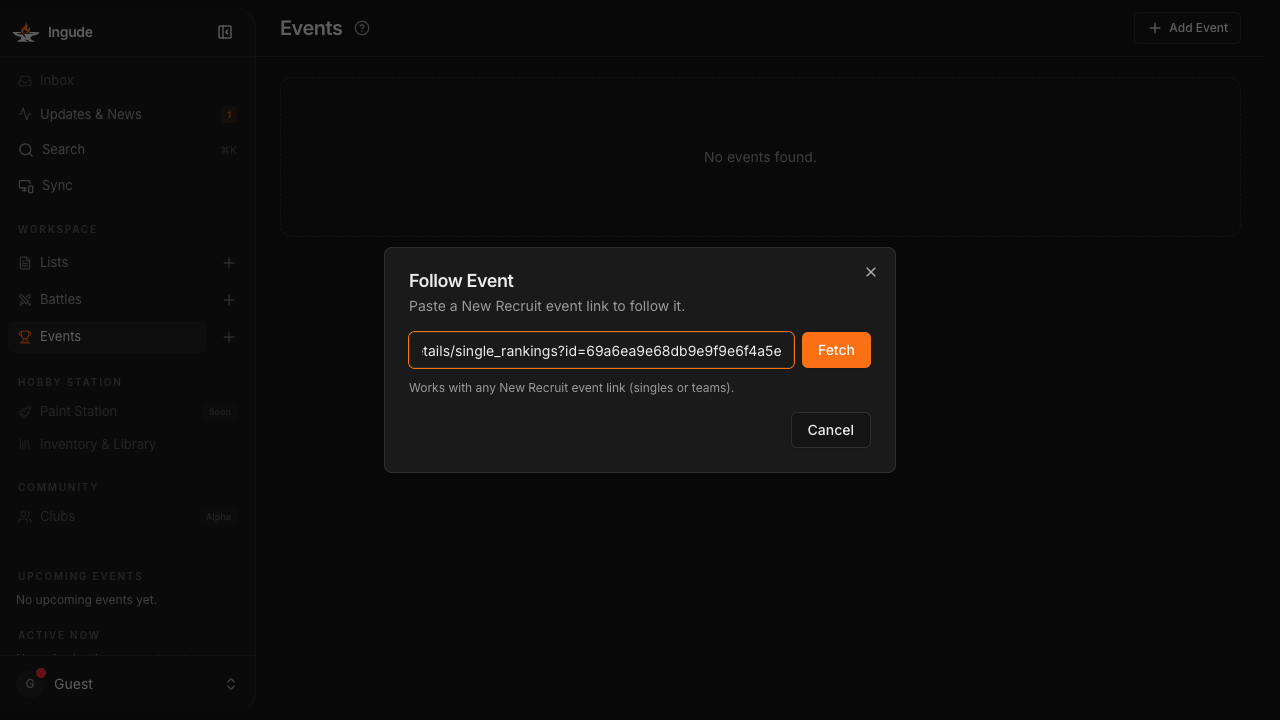
Ingude fetches the participant list from New Recruit and shows a player search field.
Step 4 - Find yourself in the player list
Type your nick in the Your nick in this event field. The player list filters as you type. Tap your name to confirm.
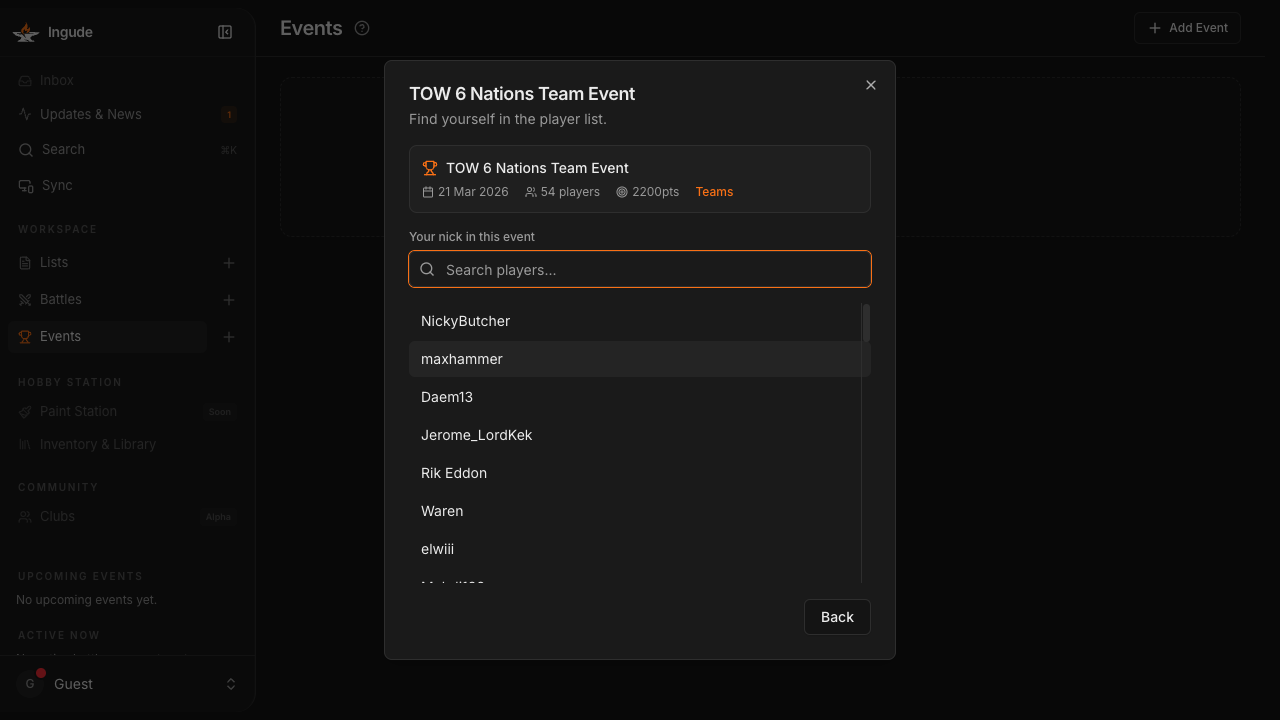
Ingude saves the event and opens the detail page.
The Event Detail Page
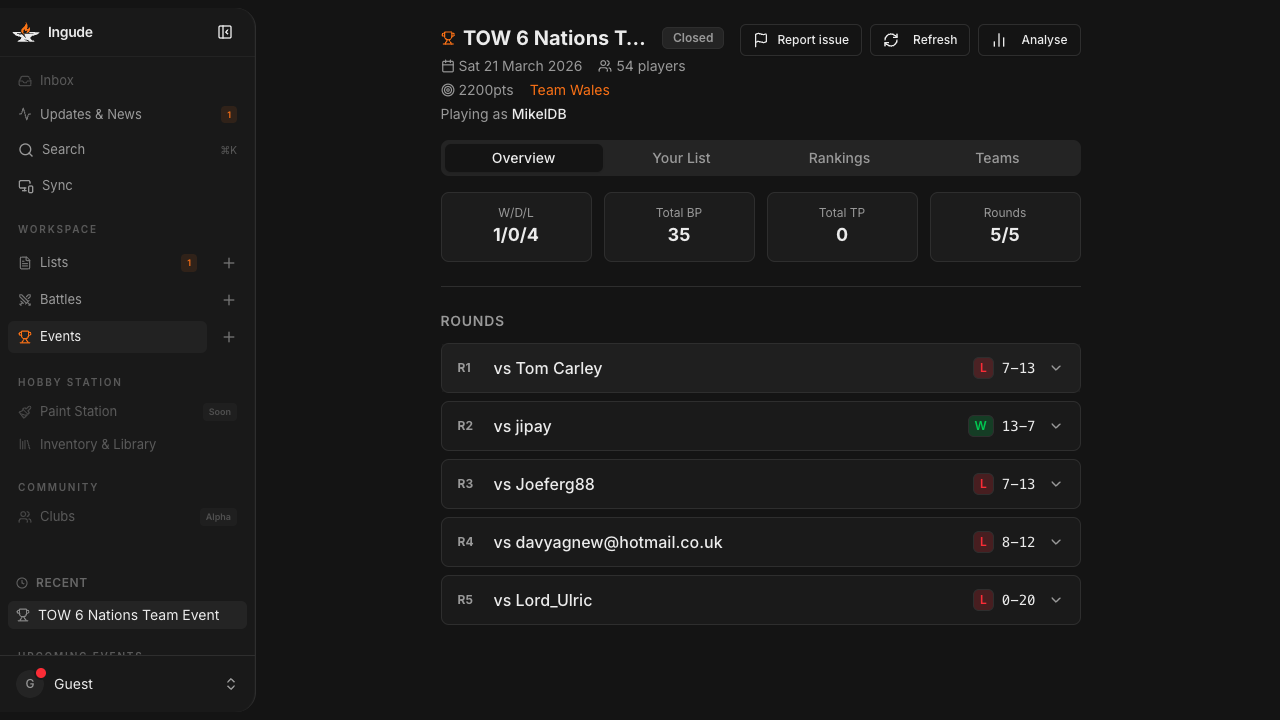
The event detail page has four tabs: Overview, Your List, Rankings, and Teams (teams tab only appears for team events).
Overview
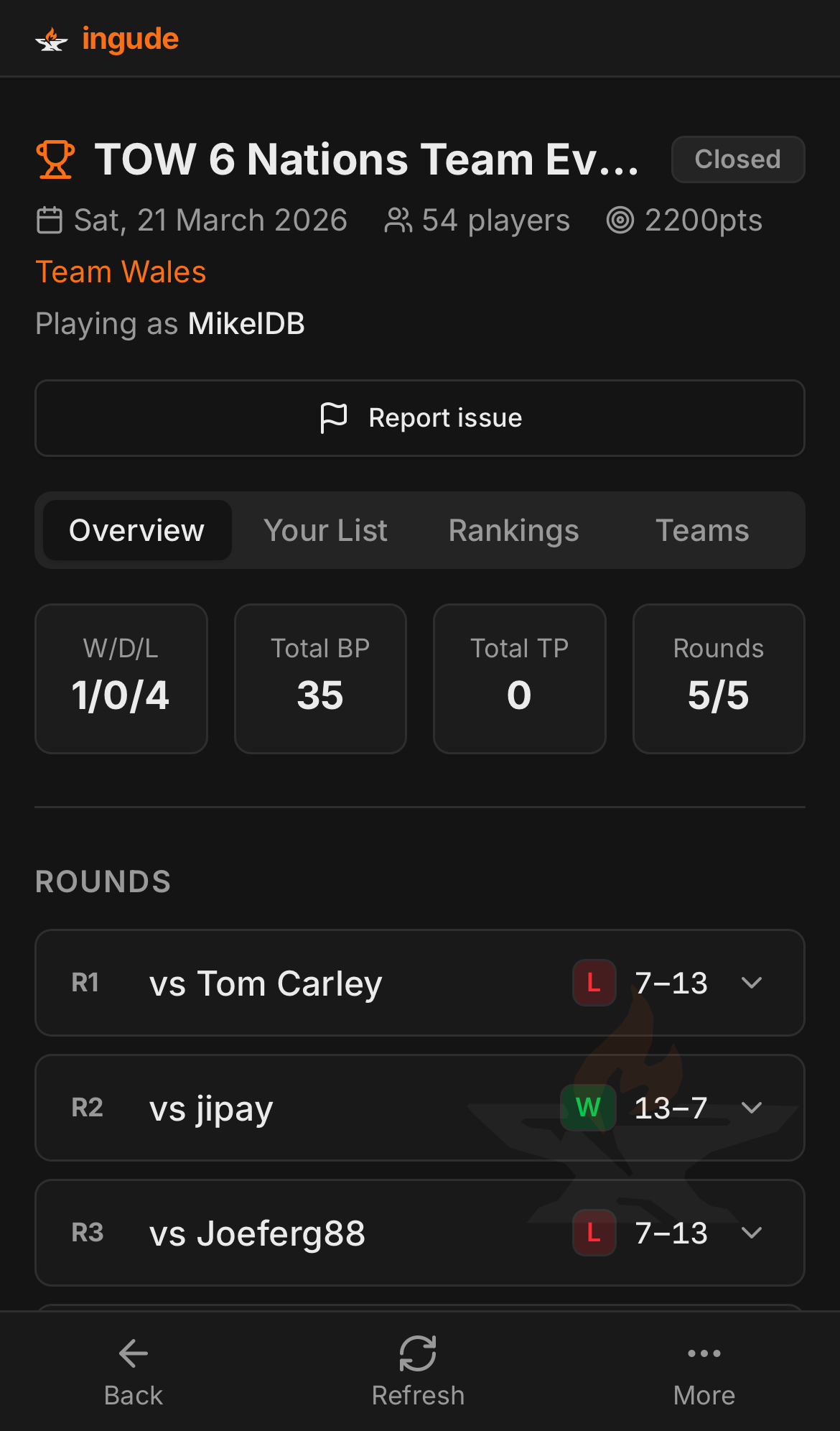
The Overview tab shows your personal record for the event: wins, draws, losses, and score. Below that you get a round-by-round breakdown with the result of each game.
Your List
The Your List tab shows the army list you are playing in this event. If Ingude has the list saved in your library, it is linked here.
Rankings
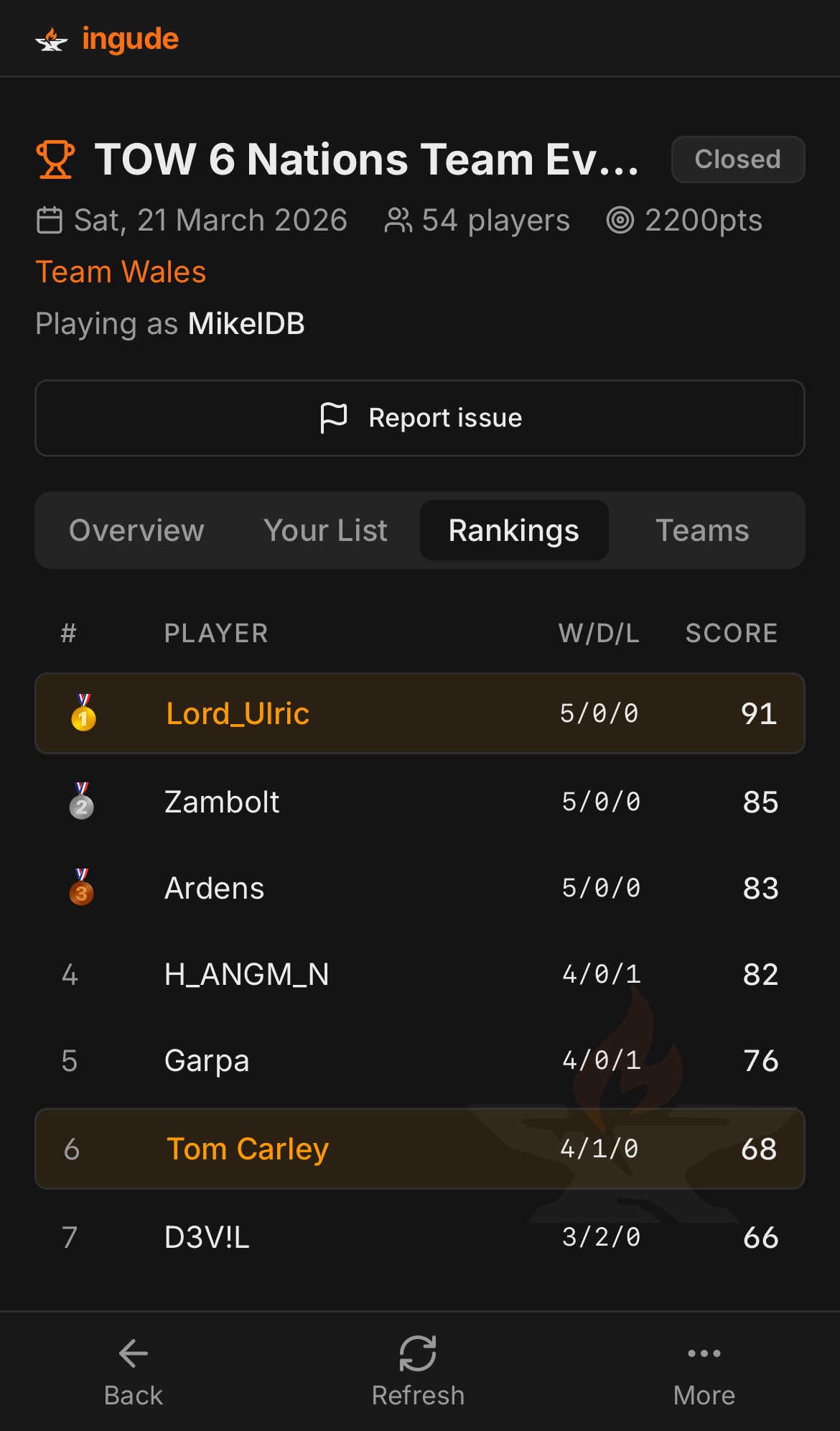
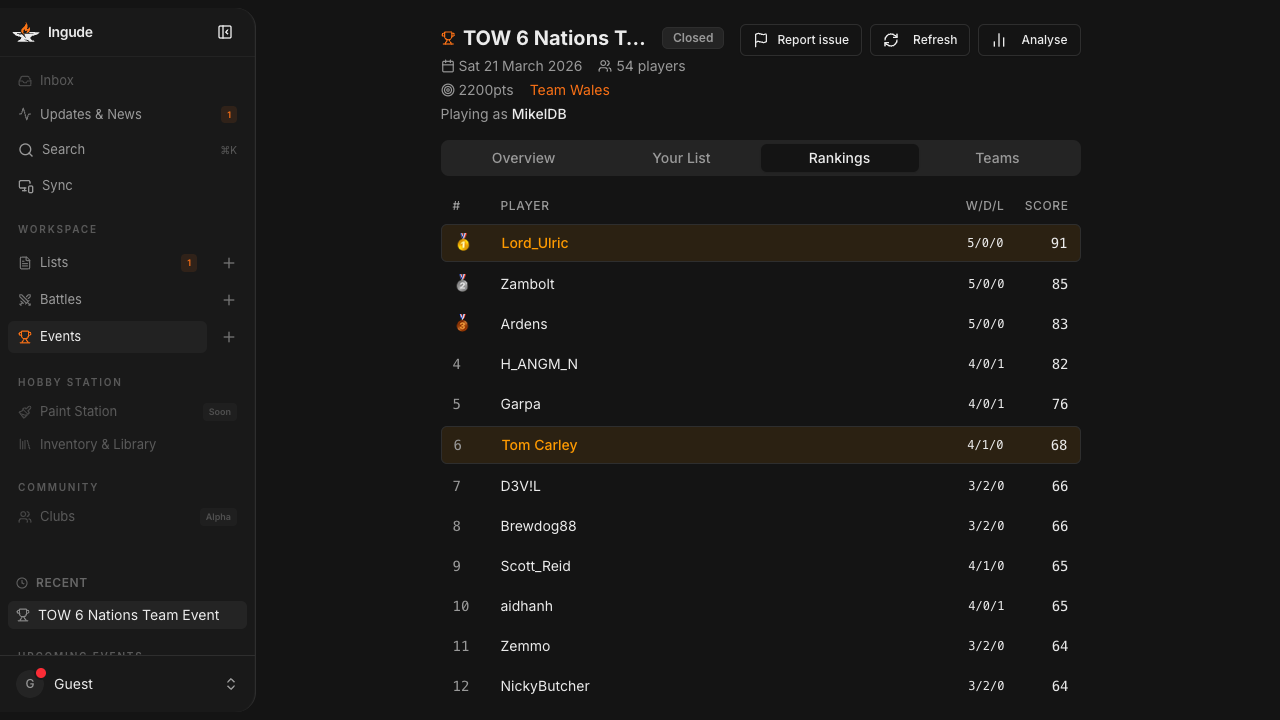
The Rankings tab shows the full player standings table with each player’s W/D/L record and score. Your row is highlighted so you can spot your position at a glance.
Teams
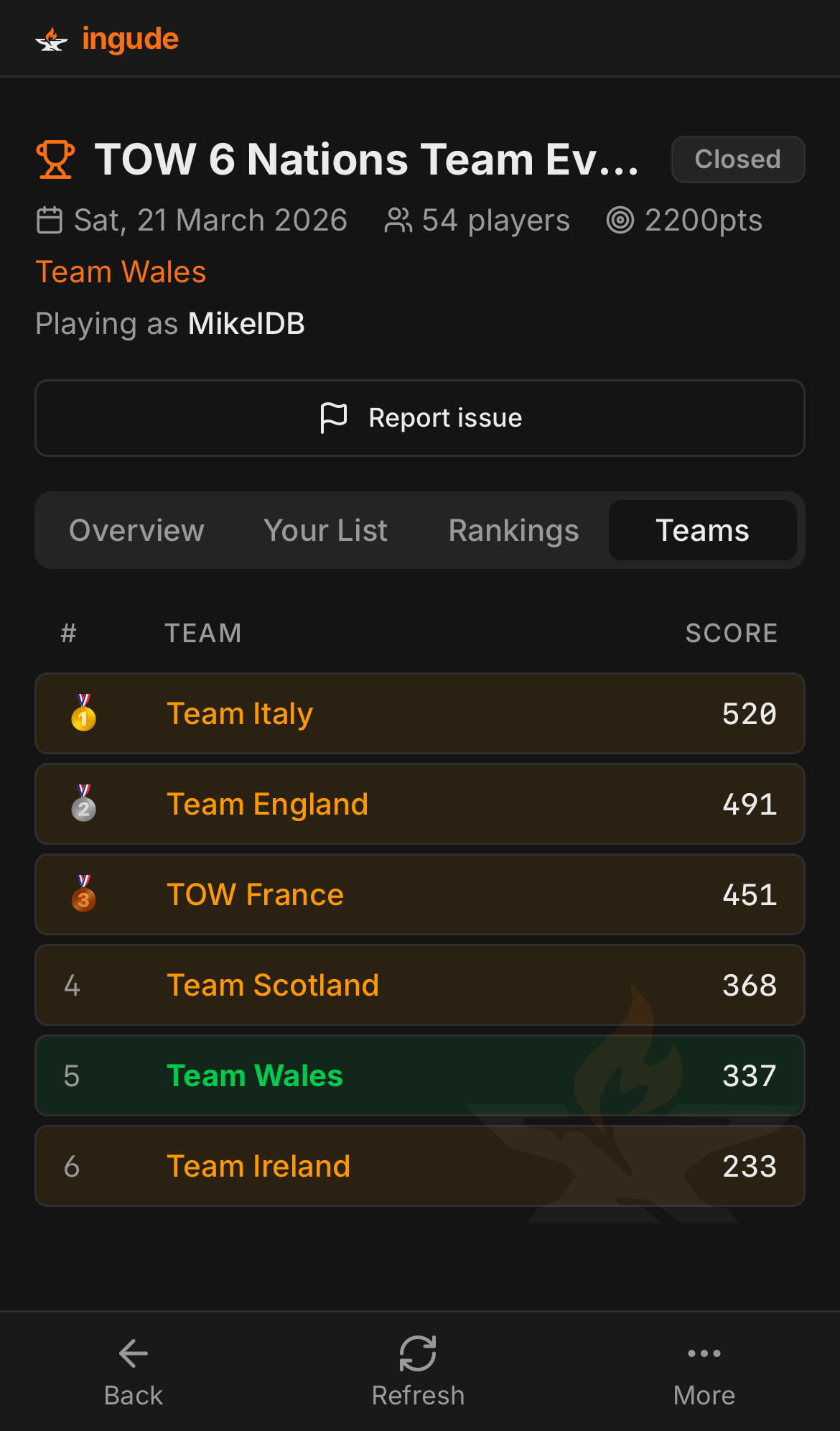
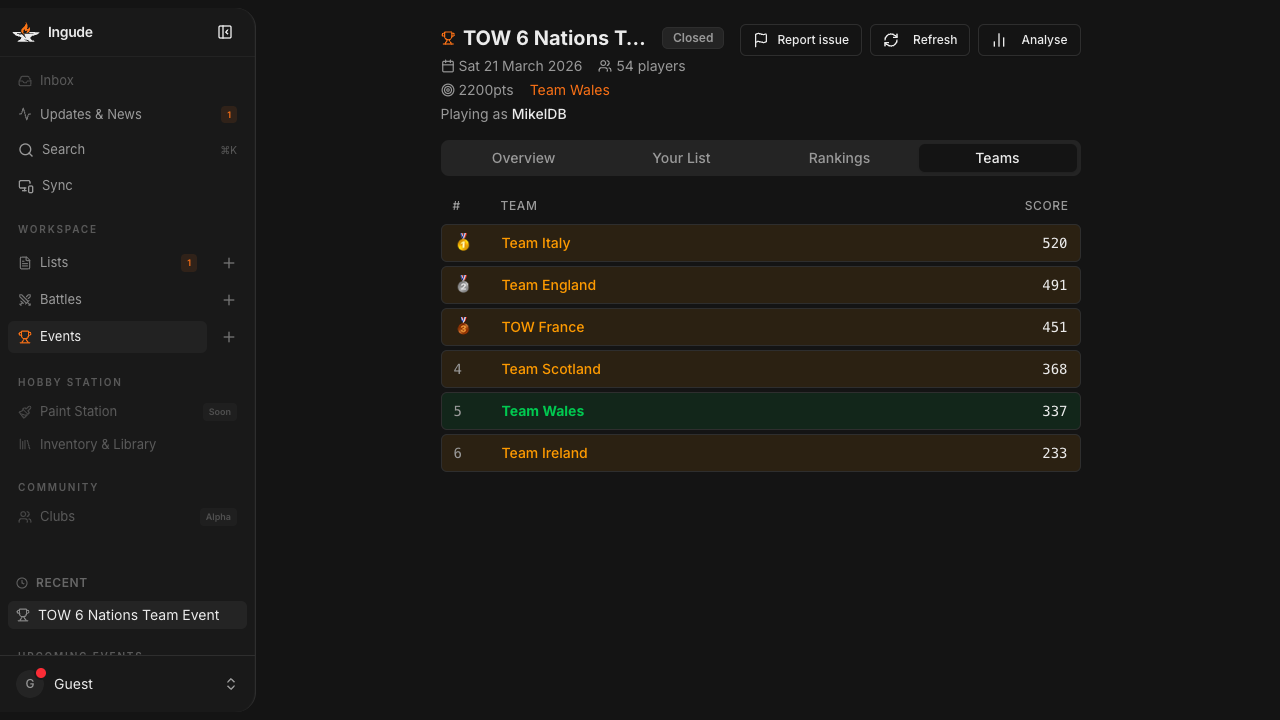
For team events, the Teams tab shows the team standings. Your team is highlighted.
Refreshing data
Tap Refresh in the top-right corner to pull the latest results from New Recruit. Do this after each round to see updated pairings and standings.
Mobile Flow
On phones the Events section is accessible from the bottom navigation bar. The event list and detail pages adapt to the smaller screen.
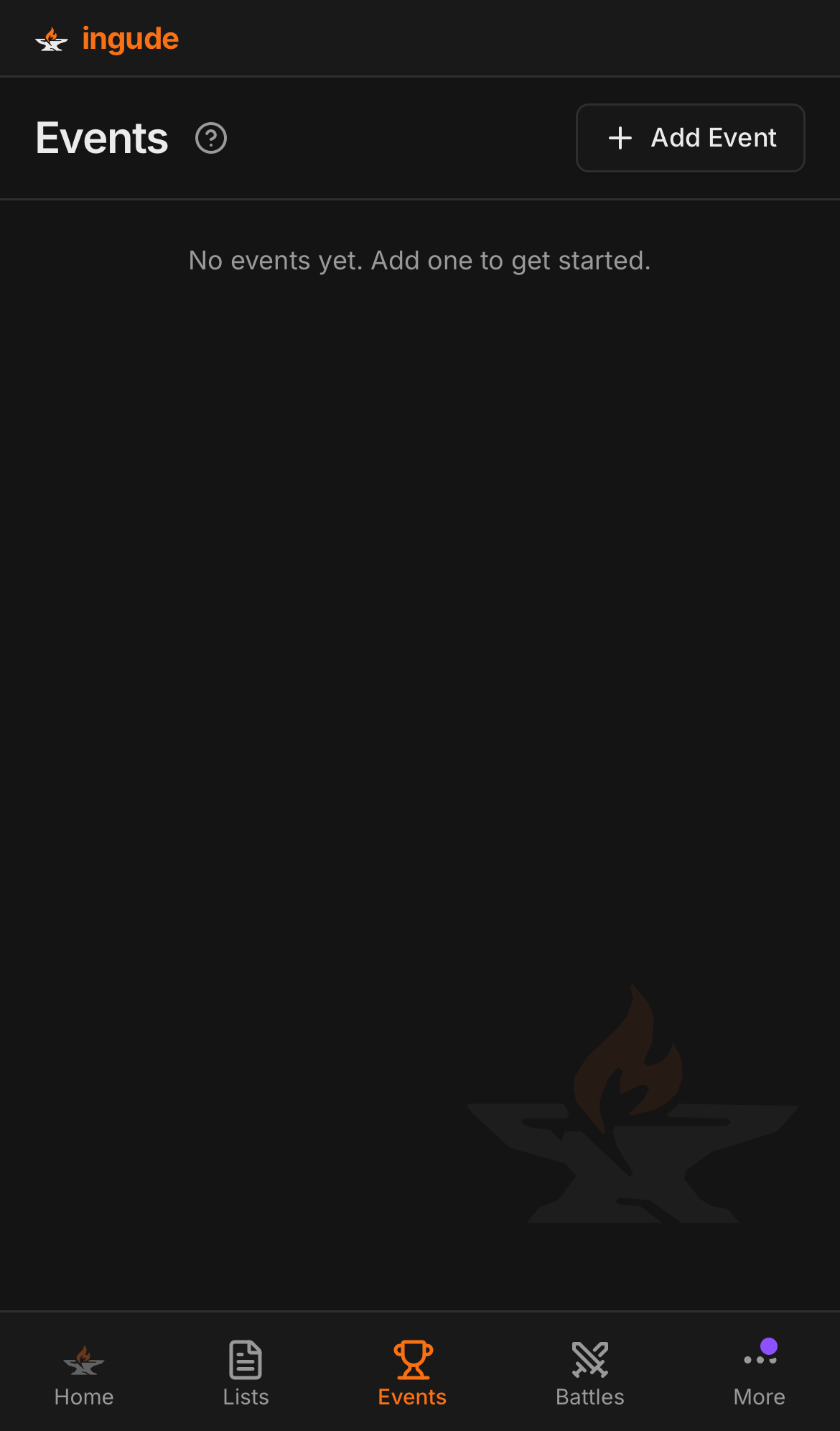
The event detail tabs (Overview, Rankings, Teams) work the same way on mobile.